



Facebook Ads Management — Fast results, Real impact.

Increase your business profits with Facebook Ads Management, an effective online advertising tool. It is the most popular marketing channel for creating stable business income. Let M Creation do Facebook Ads. Real experts take care of online marketing for more than 100 brands. Experts in online marketing.

Why run Facebook Ads with M Creation?

Why run Facebook Ads with M Creation? บริการรับทำโฆษณา Facebook ราคา คุ้มค่า โดยผู้เชี่ยวชาญตัวจริง วัดผลได้ ได้ผลลัพธ์ที่ทุกคนพึงพอใจ ช่วยจัดการ Facebook Ads Manager ให้เป็นเรื่องง่าย เราดูแลการตลาดออนไลน์ให้ธุรกิจมากกว่า 100 แบรนด์เชี่ยวชาญด้านการทำการตลาดออนไลน์ นอกจากนี้เรายังมีบริการทำ Tiktok Ads อีกหนึ่งแพลตฟอร์มที่กำลังนิยมในช่วงนี้ด้วย

Run Facebook Ads to 
reach a large target audience.

Set up Facebook Ads with flexible targeting options.

Close sales with ease.

Why is Facebook Ads important for every business?

Many people still wonder, “What is Facebook Ads?” Find the answers here to clear up all your questions and stay ahead in the world of high-performance online marketing. Facebook Ads are essential for businesses. Creating a Facebook Page and running Facebook Ads helps you proactively reach target customers, boost sales, and increase brand visibility. Beyond just driving sales, Facebook Ads also play key roles such as:

Help increase the chances of reaching new target audiences.

Use a cost-effective budget.

Control your budget effectively.

Boost Brand
Awareness

Expand online marketing channels

Increase brand sales.

What is Facebook Ads Manager? 
We’ve got the answer!

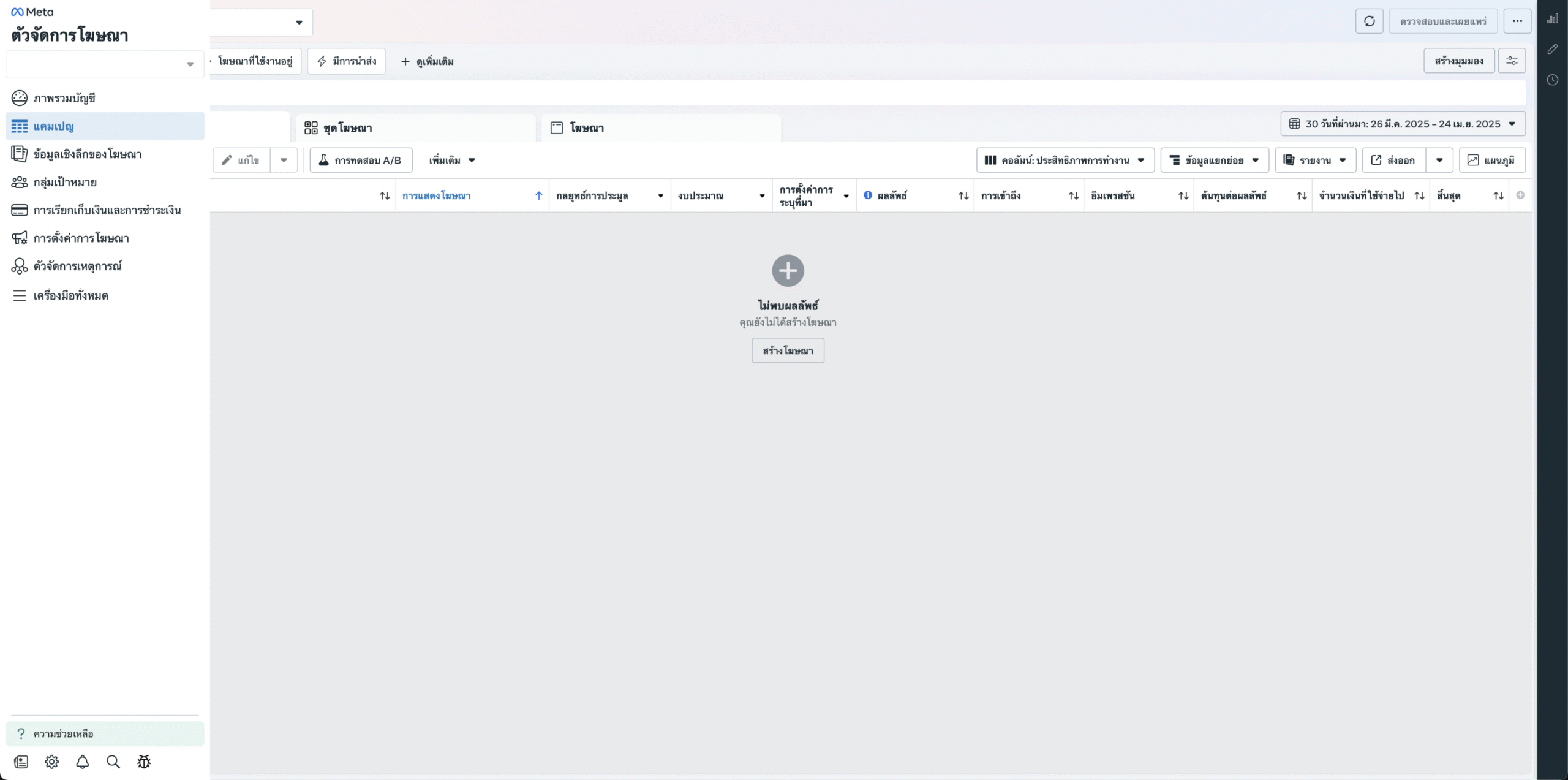
Facebook Ads Manager is a tool for managing ads across Facebook, Instagram, Messenger, and the Meta Audience Network—all in one place. It allows you to analyze, control budgets, adjust, edit, and track every detail of your campaigns. As an all-in-one online marketing manager, Facebook Ads Manager Business has become incredibly popular and widely recognized today.

How to get started with Facebook Ads Manager: a step-by-step guide

Facebook Ads Manager is an extremely useful tool for doing business in the digital age. Here, you’ll learn where to find Ads Manager on Facebook, how to access it, how to get started, and other important details—so your business stays on top of the latest online marketing trends.

Step 1 : How to activate Ads Manager

Click this link or go to the Ads Manager button inside Facebook Business Manager and look for it.

Step 2 : How to set up payment settings

Click the three-dot menu at the top left of the window and select Ad Account Settings.
Go to the Business Payments section > click Open Payment Settings.
In the Payment Methods block, click Add Payment Method—you’ll see options to set location, currency, tax details, and choose your payment method.

Why is Facebook Ads Manager great?

Facebook Ads Manager is a tool for managing ads across Facebook, Instagram, Messenger, and the Meta Audience Network, offering a full-service solution. It allows you to analyze, control budgets, customize, edit, and track campaigns in every detail. As an all-in-one online business marketing manager, Facebook Ads Manager Business is now hugely popular and widely recognized.

1. Create Facebook Ads

Set ad objectives and create campaigns, then build ad sets to reach your potential customer.

2. Setup Budget

Set Facebook Ads budgets, choose payment methods, and assign permissions for others to manage your ads.

3. Analyse Stat

Track results and ad performance on Facebook Ads, analyze data, and run A/B testing.

How many types of Facebook Ads are there, and how do you use each?
(Updated 2025)

1. Video ads

Video ads communicate with customers using engaging visuals and sound, showcasing product or service details. They can tell your brand story or promote special offers effectively.

2. Image ads

Image ads use a single picture to communicate with customers and are highly popular due to their simplicity. It’s essential to choose eye-catching, high-quality images that stand out in the feed.

3. Collection ads

Carousel ads display a cover image or video followed by multiple product images, allowing customers to click and shop directly from their mobile devices. They can also link directly to the brand’s website or app for a seamless experience.

4. Carousel ads

Carousel ads let you display up to 10 images or videos, each with its own clickable link. You can showcase different products and highlight specific details, services, or promotions you want to advertise.

5. Slideshow ads

Video ads use motion combined with sound and visuals to present information to customers. You can also quickly create slideshow ads from existing images or videos.

6. Stories ads

Story ads appear in Stories, using either images (shown for 5 seconds) or videos (shown for 15 seconds), allowing customers browsing Stories to encounter your ads.

7. Messenger ads

Messenger ads let customers chat with you instantly—perfect for businesses with multiple products or detailed offerings. This approach helps you answer questions quickly and close more sales efficiently.

Latest Update: Facebook Ads Image Sizes for 2025

Posting updates on the Facebook feed comes in various formats. Each format requires specific techniques 
to optimize Facebook ad image sizes effectively

Facebook Feed Image

This format displays posts and activities on a user’s main Facebook feed. Businesses can use feed images to showcase products or services. Enhancements such as sound effects or motion graphics can make the content more engaging. The recommended image settings are:

  • Image file: JPG or PNG
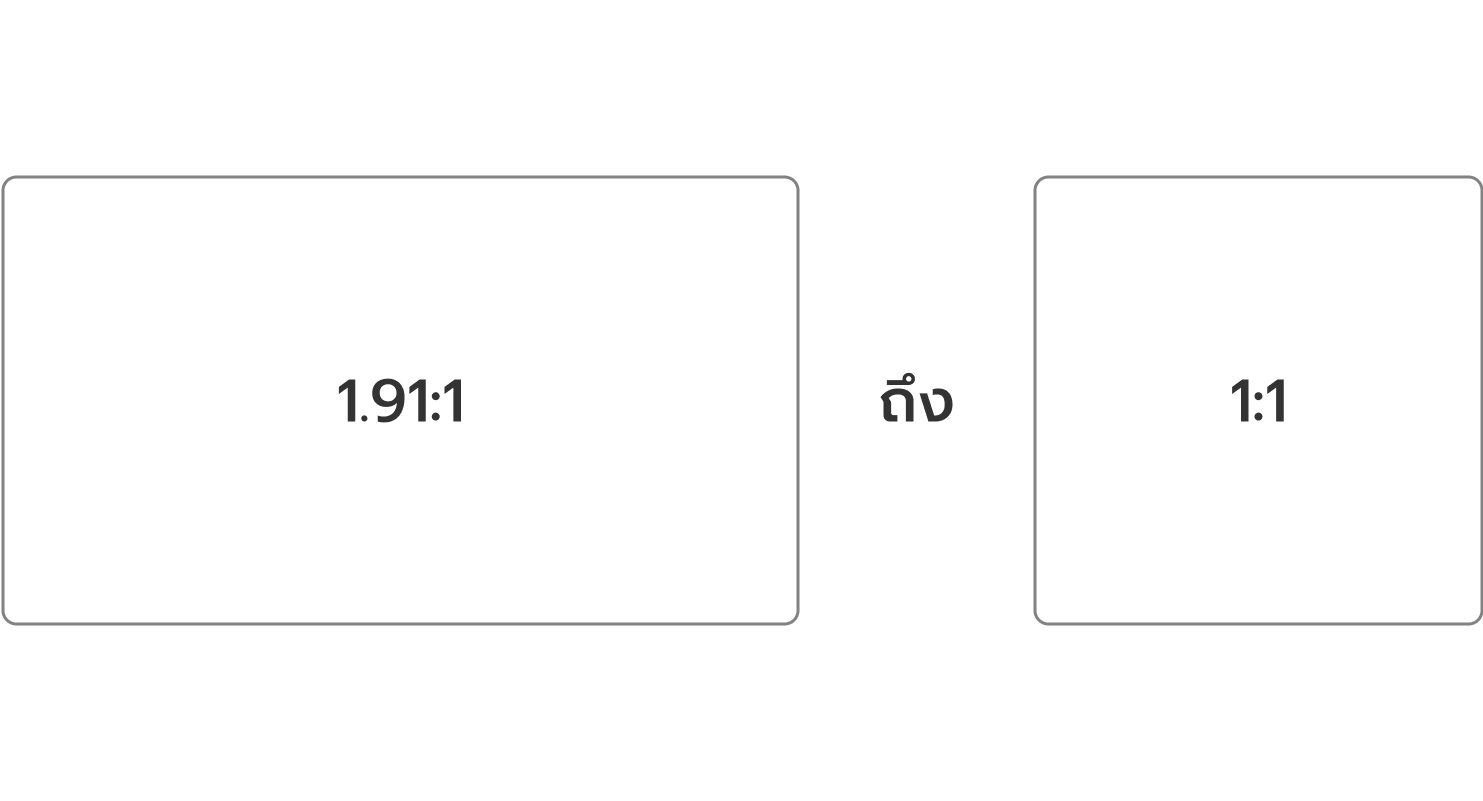
  • Aspect Ratio : 1.91:1 to 4:5
  • Resolution

1:1 ratio: 1080 x 1080 pixels / 4:5 ratio: 1080 x 1350 pixels

Acceptable aspect ratio deviation: 3%

Facebook Feed Slideshow

This format features dynamic updates including statuses, images, videos, and other content in the center of the Facebook homepage. Video format is often used to present products or services with added effects like sound or animation. Recommended settings are:

  • Image format: JPG or PNG
  • Video format: MP4, MOV or GIF
  • Aspect Ratio : 1:1 or 4:5
  • Minimum Resolution: 1080 x 1080 pixels
  • Landing Page URL: Required
  • Max image file size: 30MB
  • Max video file size: 4GB
  • Video length: 1 second to 240 minutes
  • Acceptable aspect ratio deviation: 3%

Facebook Feed Collection

This format displays a collection of statuses, images, videos, and other content in a dynamic feed. Collection ads allow users to explore and shop products easily on mobile devices. Setup guidelines include:

  • Image type: JPG or PNG
  • Video file type: MP4, MOV or GIF
  • Aspect Ratio: 1:1
  • Resolution: Minimum 1080 x 1080 pixels
  • Text Suggestions –Primary Text: Up to125 characters
  • Headline: Upto 40 characters
  • Landing Page URL: Required
  • Technical specifications

a) Instant Experience: Required

b) Maximum image file size: 30 MB

c) Maximum video file size: 4GB

Facebook Video Feed

This section features real-time updates including statuses, photos, videos, and other media in the center of the Facebook homepage. Recommended settings for video content are:

  • File type: MP4, MOV or GIF
  • Aspect Ratio: 1:1 (for desktop or mobile) or 4:5 (for mobile only)
  • Video settings: H.264 compression, square pixels,fixed frame rate, progressive scan, and AAC stereo audio compression at 128kbps or higher.
  • Resolution: Minimum 1080 x 1080 pixels
  • Captions & Audio: Optional, but recommended for better engagement

Updated Facebook Ad Image Sizes: Most Popular Dimensions for Facebook Ads in 2025

1. Vertical Facebook picture size: 1+2, 1+3, and 2+3

We can set the objective to create the campaign, ad group and ad that we want from this button.

2. Search & Filter page

We can search for the ads we want by selecting them by name, purpose, target group or other types, which are the filtering channels for ads.

3. Campaign page

Collect all advertising campaigns that have been created.

4. Ad sets page

Includes all ad sets ever created.

5. Advertising page (Ads)

Includes all ads ever created.

6. Columns

Column display: This tool displays the results in categories and we can select only some topics from some categories to display in Custom format.

7. Breakdown

It can help our business optimize advertising, such as finding the most appropriate time to advertise, finding the age range of the target group that gives the best advertising results, etc.

8. Reports

Ad result report box, where you can select a specific report for what you want, such as a specific ad group type report, a specific age and gender report, etc. You can extract report data in .xls or .csv table format.

9. Column display bar

If we select the column type in section 6, the selected menus will be displayed in order in the column display bar.

10. Customize Columns button

This is a menu that allows you to set Custom Columns, specifying which column headings you want the column bar to display, and you can sort the display order from left to right in Column Selected.

Updated Facebook Ad Image Sizes: Most Popular Dimensions for Facebook Ads in 2025

M Creation shares updated Facebook ad image sizes used by our expert team to maximize advertising performance 
and reach more customers effectively.

Facebook News Feed Ads

A display page for status updates and followed pages.

In case there is a link

In case there is no link

Facebook Instant Article (FBIA)

Article-style ads encourage users to click through and read content to stay informed.

In case there is a link

In case there is no link

Facebook Stories

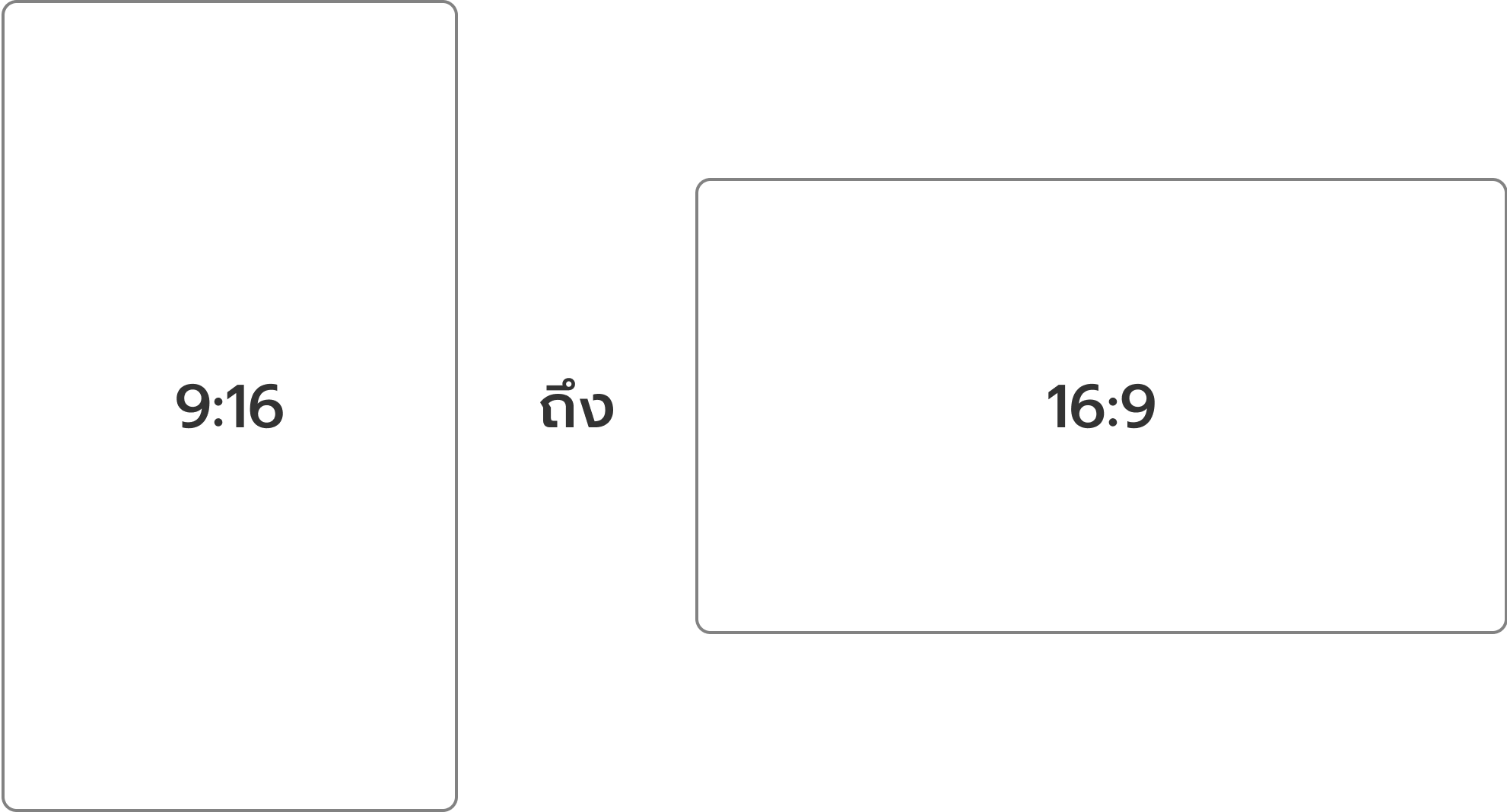
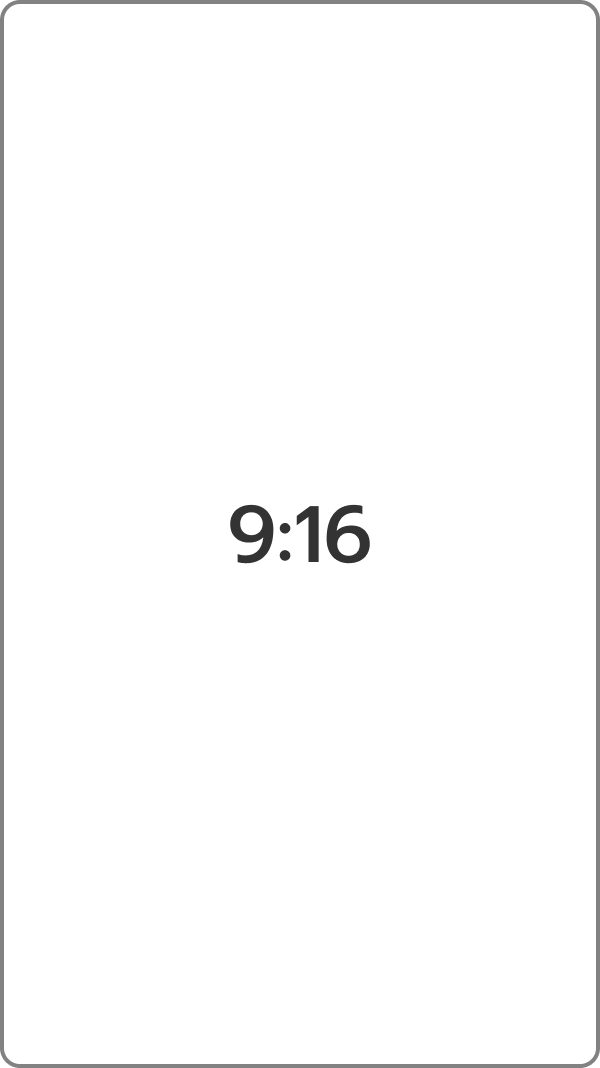
Real-time posts displayed in a vertical format

To fit the smartphone, making it easier to view the display.

10 key components you should know on the Facebook Ads Manager:

1. Create Campaign Button

We can set the objective to create the campaign, ad group and ad that we want from this button.

2. Search & Filter page

We can search for the ads we want by selecting them by name, purpose, target group or other types, which are the filtering channels for ads.

3. Campaign page

Collect all advertising campaigns that have been created.

4. Ad sets page

Includes all ad sets ever created.

5. Advertising page (Ads)

Includes all ads ever created.

6. Columns

Column display: This tool displays the results in categories and we can select only some topics from some categories to display in Custom format.

7. Breakdown

It can help our business optimize advertising, such as finding the most appropriate time to advertise, finding the age range of the target group that gives the best advertising results, etc.

8. Reports

Ad result report box, where you can select a specific report for what you want, such as a specific ad group type report, a specific age and gender report, etc. You can extract report data in .xls or .csv table format.

9. Column display bar

If we select the column type in section 6, the selected menus will be displayed in order in the column display bar.

10. Customize Columns button

This is a menu that allows you to set Custom Columns, specifying which column headings you want the column bar to display, and you can sort the display order from left to right in Column Selected.

Facebook Ads Package

ที่ M Creation เราพร้อมช่วยดูแลธุรกิจของคุณ ให้เติบโตบนช่องทางออนไลน์ยิ่งขึ้นไปอีก สนใจสอบถามข้อมูลเพิ่มเติมได้ที่

At M Creation, we're here to support your business growth 
and help you succeed even more in the online space.
Interested in learning more?

Top frequently asked questions about Facebook Ads

Facebook Ads Manager is a tool that allows you to create and manage all of your Facebook ads in one place.

On the other hand, Facebook Business Manager is a comprehensive business management platform that allows you to oversee all your marketing activities and ad operations on Facebook. It simplifies the management of Pages, ad accounts, and access to content across your team and external partners.

Facebook offers a variety of ad formats to suit different marketing goals:

  • Image Ads – Single image format
  • Video Ads Short or long-form videos
  • Carousel Ads A scrollable series of up to 10 images or videos
  • Collection Ads Showcase up to 5 images or videos, available on mobile only
  • Instant Experience – Full-screen interactive ads, available on mobile only
  • Lead Ads – Designed to collect user information directly on Facebook
  • Dynamic Ads – Personalized ads that target either interested audiences or retarget users who visited your site but didn’t purchase
  • Messenger Ads Ads that appear in Facebook Messenger inbox
  • Stories Ads – Short videos or animations appearing in Facebook Stories or Reels
  • AR Ads Augmented reality ads using filters or animation to engage users, leveraging Metaverse technology

Facebook Ads can be categorized into several core formats. Choose the one that matches your objective and budget, then optimize over time to improve performance:

  • Image Ads – Single image display
  • Video Ads – Use video content to engage audiences
  • Carousel Ads Display multiple images or videos in a single ad
  • Collection Ads Present a product catalog for easy mobile browsing
  • Instant Experience Ads – Deliver an interactive, full-screen experience
  • Lead Ads Gather customer information through forms
  • Dynamic Ads – Automatically tailor content to each viewer
  • Messenger Ads Appear directly in Messenger inbox

Running Facebook ads helps boost the visibility of your posts or content to reach a targeted audience. It works like a digital billboard tailored to your desired market. Facebook Ads are a powerful online marketing tool that helps your business reach more potential customers, deliver results efficiently, track and measure performance and grow faster in the digital space.

Facebook Ads are designed to help you promote your posts, products, or services to the right audience.

Here’s a simple breakdown of how the process works:

  1. Set your campaign objective
  2. Create the ad content
  3. Set a budget
  4. Facebook delivers your ad to the target audience
  5. Facebook delivers your ad to the target audience